Waitlist Page Components for React
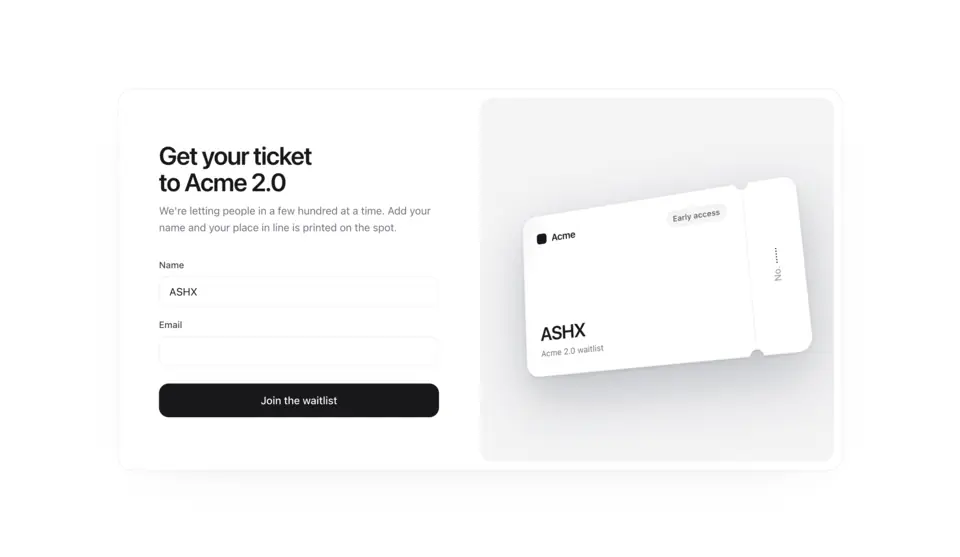
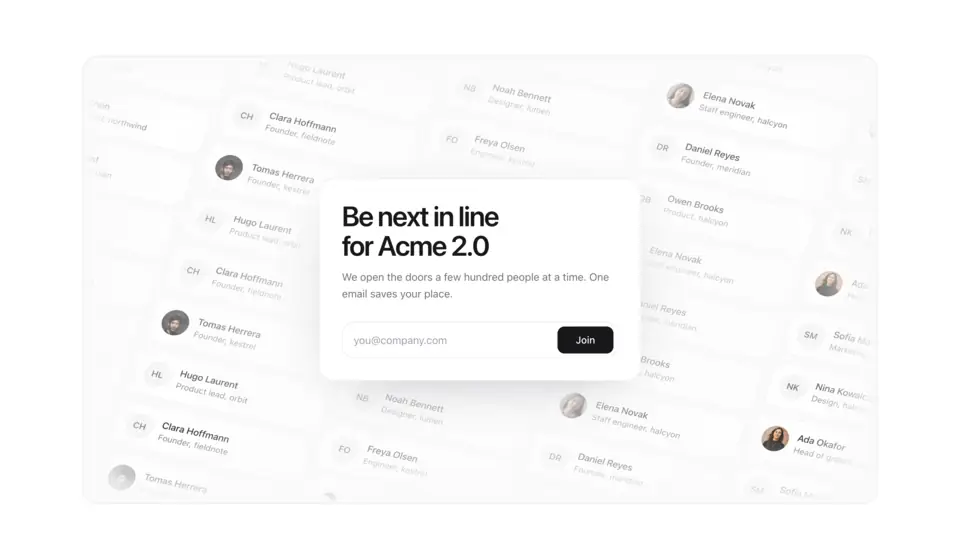
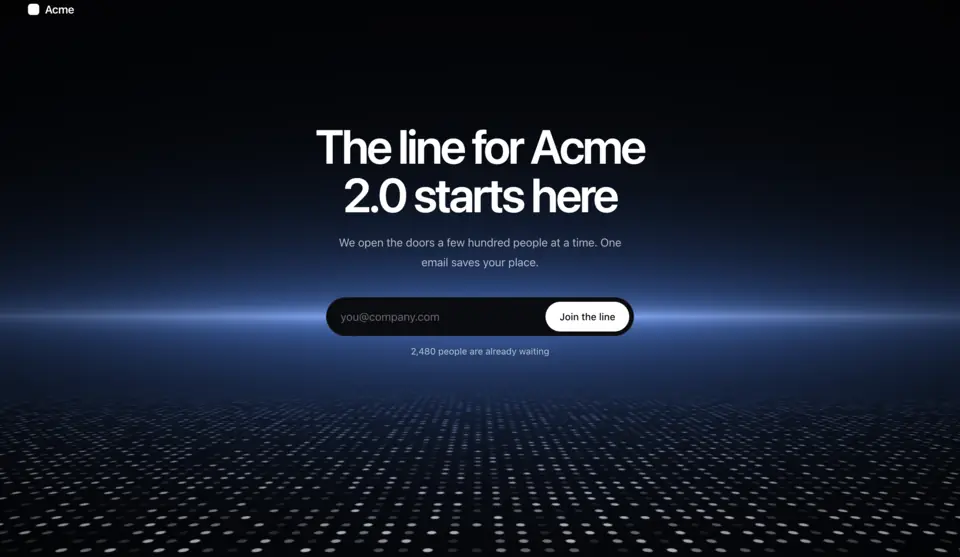
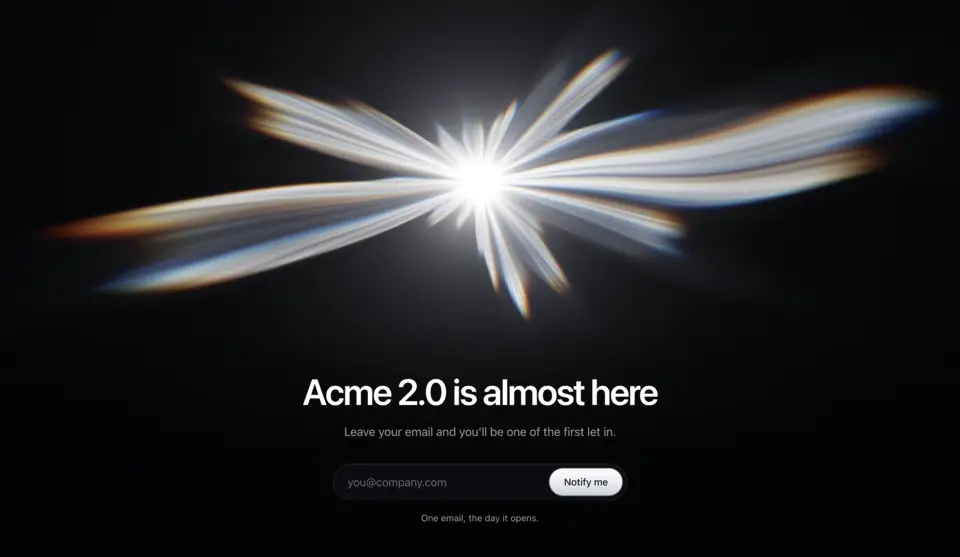
Waitlist sections and full pages for products that aren't open yet. Waitlist 1 prints a 3D launch ticket with the visitor's name and place in line, Waitlist 2 sets one email field in front of a tilted 3D wall of people already waiting, Waitlist 3 is a full-screen WebGL page where a line of dots runs to a lit horizon, and Waitlist 4 is a full-screen page lit by a prismatic burst of light that flares when someone joins.
4 components · Browse all components
Components
FAQ
- Where do the waitlist forms save emails?
- Nowhere by default. Each one calls onSubmit with the email (Waitlist 1 also sends the name), so you post it to your own API route or email tool. Return a number from onSubmit and the component shows it as the visitor's place in line.
- How do I install the components in Waitlist?
- With the shadcn CLI. Each component page lists its exact command: free components install from a public URL (npx shadcn add https://useplanes.com/r/<name>.json), Pro components install by name (npx shadcn add @useplanes/<name>) after npx @useplanes/cli init --key <key>.
- Do they work with Next.js App Router and Tailwind CSS v4?
- Yes. Every component is a React 19 client component styled with Tailwind CSS v4, and works in Next.js App Router, Vite, or any React app with Tailwind CSS v4.
- Are the components in Waitlist free?
- They are part of Planes Pro, a one-time license that covers every component and future additions. The catalog also has free components in other categories.
- What do they depend on?
- Motion (formerly Framer Motion) is the only runtime animation dependency. The CLI writes the .tsx source into your project, so there is no Planes package to keep updated.