Pricing Section Components for React
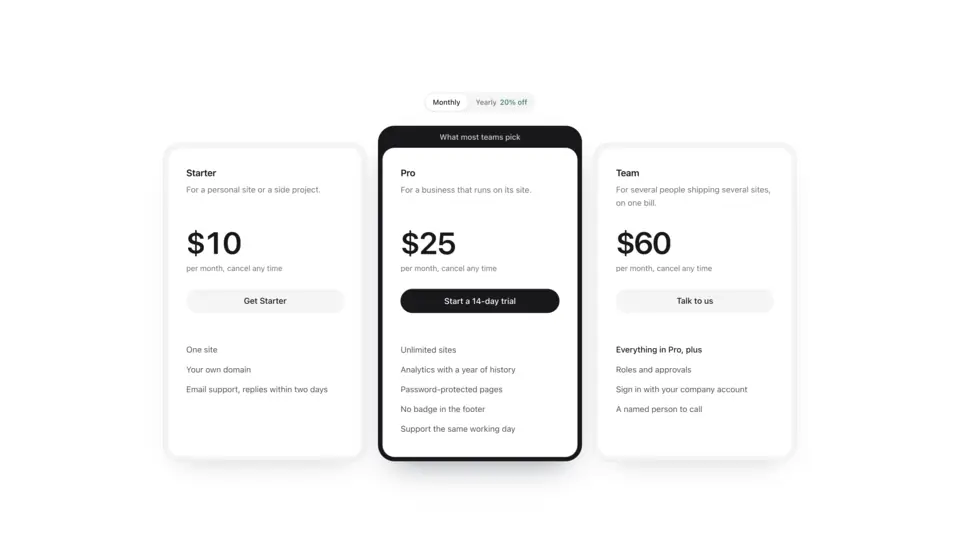
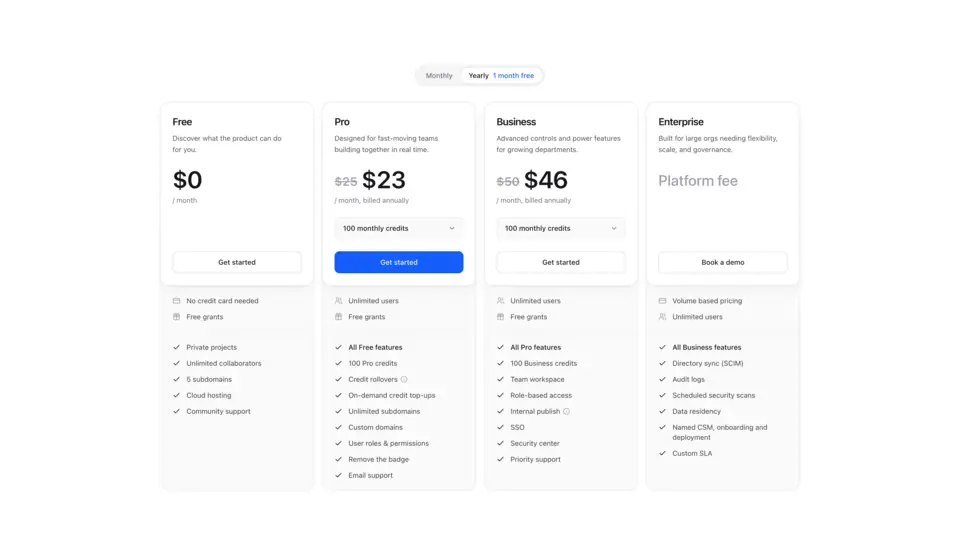
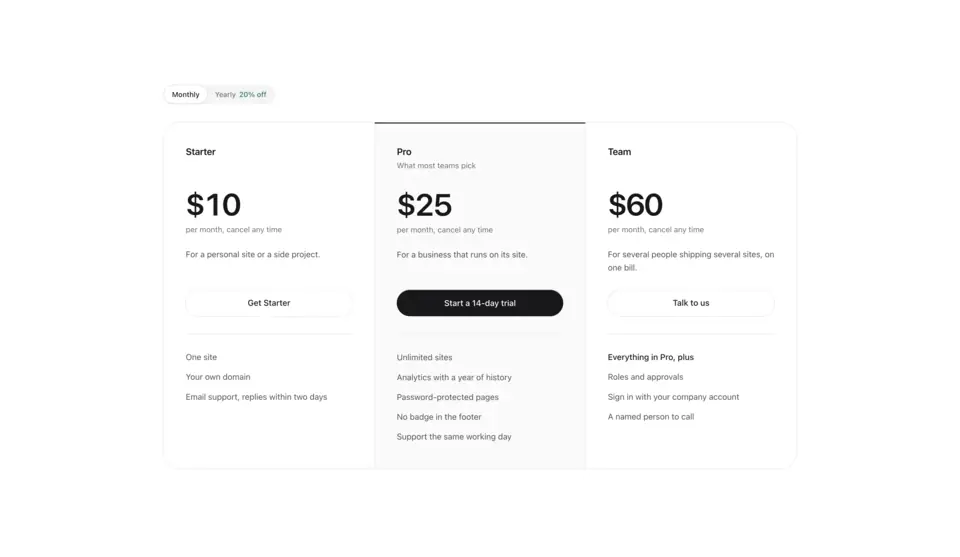
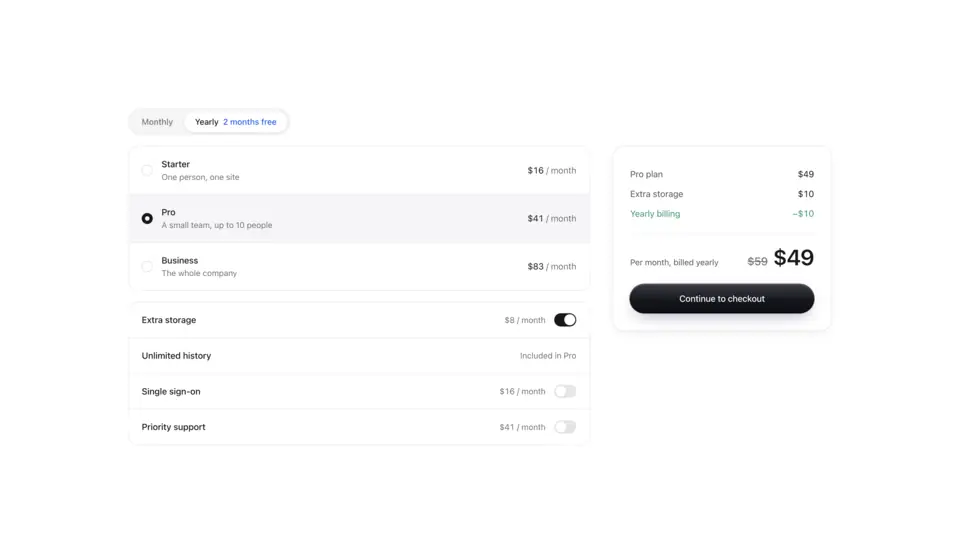
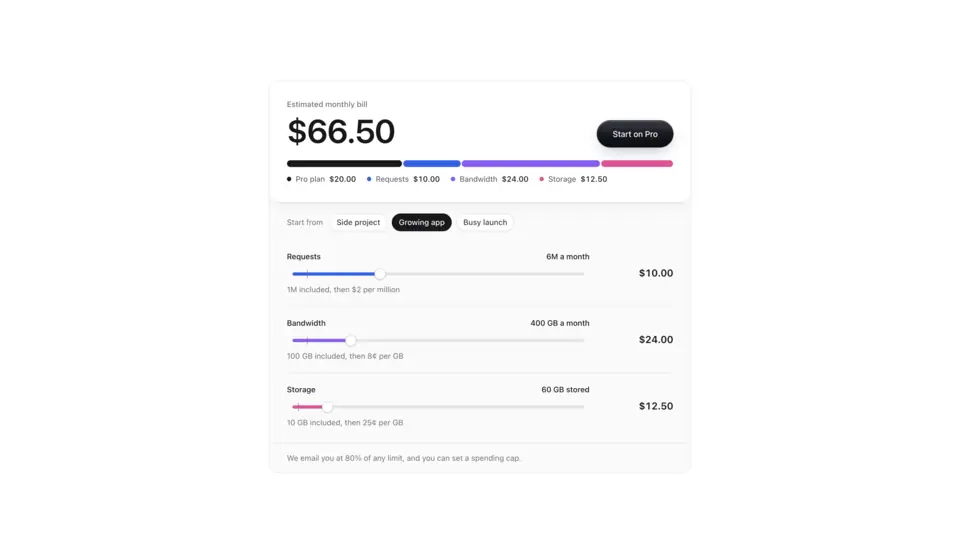
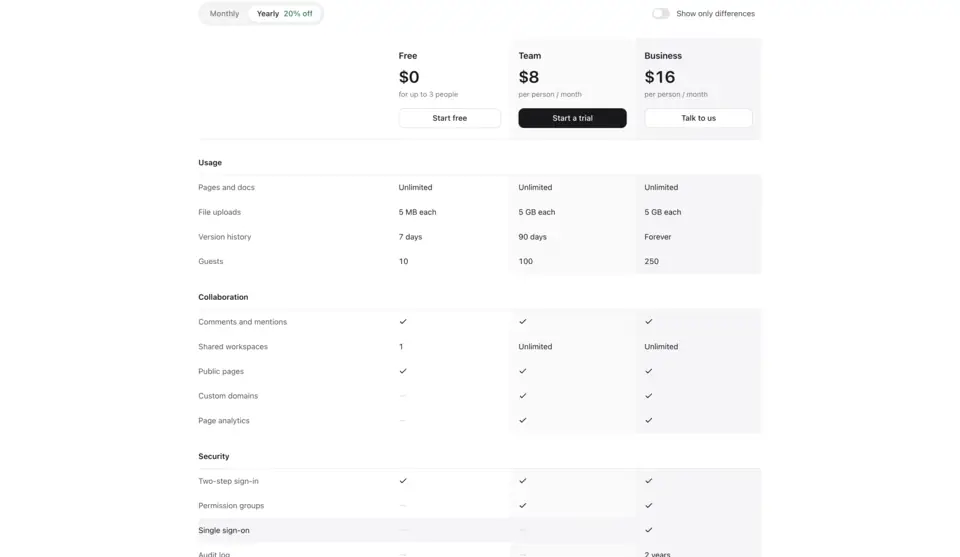
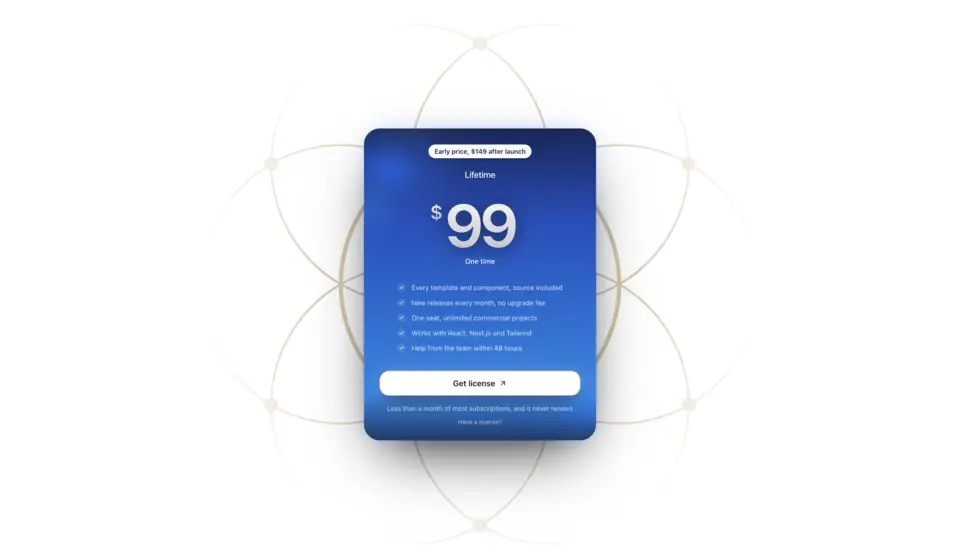
Pricing sections that switch between monthly and yearly billing and roll the prices as they change. Pricing 1 sets three plans as double-bordered cards with the recommended one in a dark bezel, Pricing 2 lays out four plans with credit tiers and info tips on features, Pricing 3 puts three plans on one hairline sheet, Pricing 4 is a plan builder whose order summary adds a line for every choice, Pricing 5 estimates a usage-based bill with sliders, and Pricing 6 is a full comparison table that can hide what the plans share, and Pricing 7 puts one lifetime plan on a glowing card with a chrome price.
7 components · Browse all components
Components
FAQ
- Do the pricing sections connect to a payment provider?
- No. They render the plans and call onSelect with the plan and billing period, so you start checkout with Stripe, Polar, Paddle or your own flow from there.
- How do I install the components in Pricing?
- With the shadcn CLI. Each component page lists its exact command: free components install from a public URL (npx shadcn add https://useplanes.com/r/<name>.json), Pro components install by name (npx shadcn add @useplanes/<name>) after npx @useplanes/cli init --key <key>.
- Do they work with Next.js App Router and Tailwind CSS v4?
- Yes. Every component is a React 19 client component styled with Tailwind CSS v4, and works in Next.js App Router, Vite, or any React app with Tailwind CSS v4.
- Are the components in Pricing free?
- They are part of Planes Pro, a one-time license that covers every component and future additions. The catalog also has free components in other categories.
- What do they depend on?
- Motion (formerly Framer Motion) is the only runtime animation dependency. The CLI writes the .tsx source into your project, so there is no Planes package to keep updated.