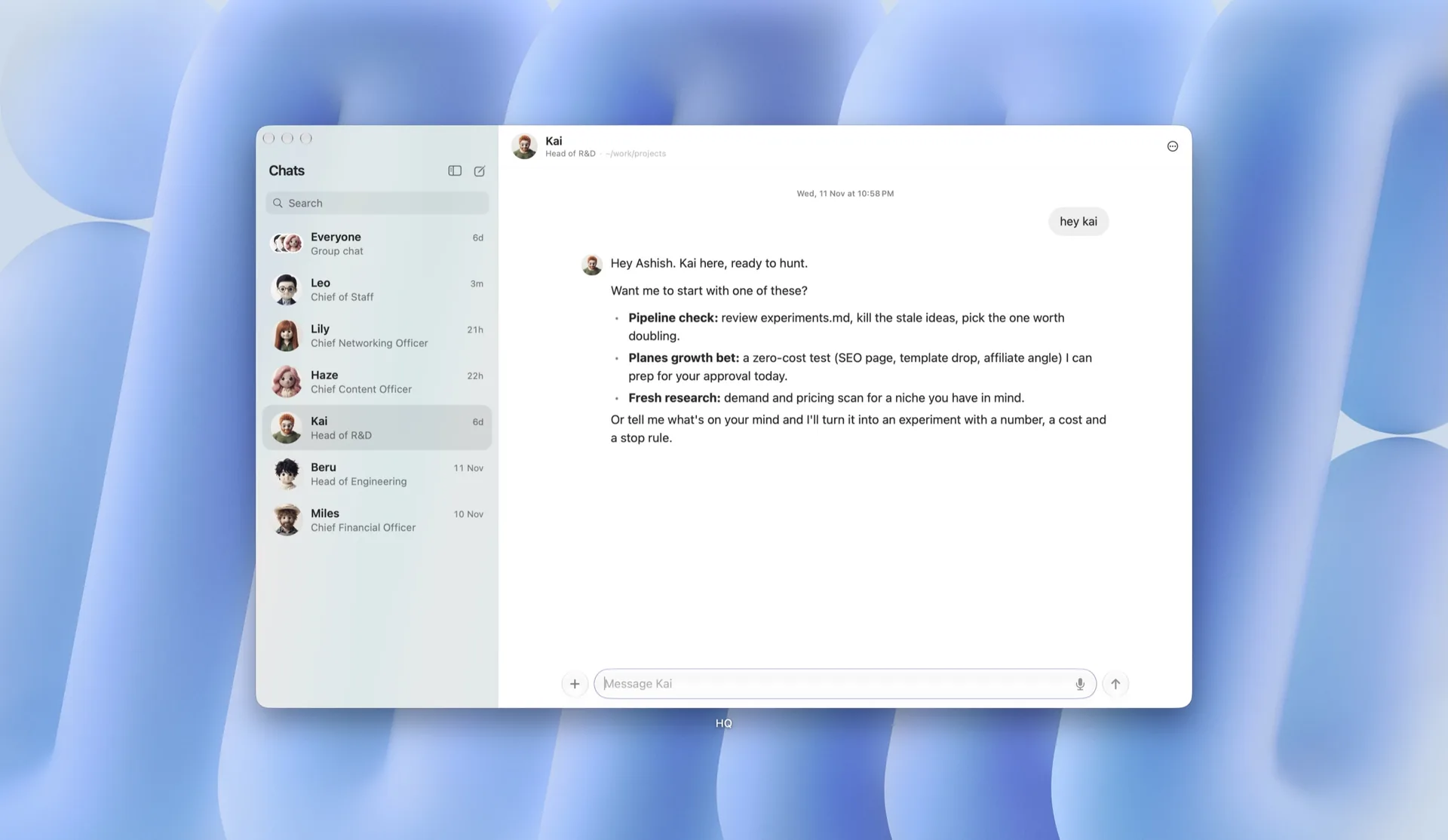
Feature 2
ProInstallation
ProRequires a Planes Pro license.
pnpm dlx shadcn add @useplanes/feature-2Works once the @useplanes registry is set up in your project (one-time). After that, copy and run commands directly.
Unlock with Planes Pro
$99 once · 227 Pro components · lifetime updates.
import { Feature2 } from "@/components/ui/Feature2";

<Feature2
  title="Everything your team ships, in one place."
  features={[
    { title: "Plans you can follow", description: "Every task breaks into steps you can read first.", image: "/shots/plans.webp", imageAlt: "A task plan" },
    { title: "Approvals where you work", description: "Risky changes stop and ask first.", image: "/shots/approvals.webp", imageAlt: "An approval card" },
    { title: "Numbers at a glance", description: "Live charts on every project.", image: "/shots/charts.webp", imageAlt: "A weekly chart" },
  ]}
  interval={6000}
/>
Use cases
SaaS landing pages
Walk visitors through the four or five things your product does best, each with a real screenshot.
Product and changelog pages
Show what a release adds, one capability at a time.
Sales and demo pages
A self-running tour that stops the moment someone wants to read.