Agent Plan
ProInstallation
pnpm dlx shadcn add @useplanes/agent-planWorks once the @useplanes registry is set up in your project (one-time). After that, copy and run commands directly.
Unlock with Planes Pro
$99 once · 164 Pro components · lifetime updates.
import { AgentPlan } from "@/components/ui/AgentPlan";

<AgentPlan
  title="Plan"
  steps={[
    { id: "read", title: "Read the settings page", status: "done", duration: 1100 },
    { id: "toggle", title: "Add a theme toggle", status: "active", detail: "Creating ThemeToggle.tsx" },
    { id: "wire", title: "Wire it to next-themes" },
    { id: "test", title: "Run type check and tests" },
  ]}
/>
Examples
Recover from a failure
Mark a step failed and splice a recovery step after it. The rows below slide down to make room.
setSteps((prev) => {
  const i = prev.findIndex((s) => s.id === "test");
  const failed = { ...prev[i], status: "failed", detail: "1 test failed" };
  const fix = { id: "fix", title: "Update the snapshot", status: "active" };
  return [...prev.slice(0, i), failed, fix, ...prev.slice(i + 1)];
});
Skip with a reason
A skipped step strikes through and keeps its detail as the explanation.
{ id: "docs", title: "Update the docs", status: "skipped", detail: "No docs mention this page" }Use cases
Agent task lists
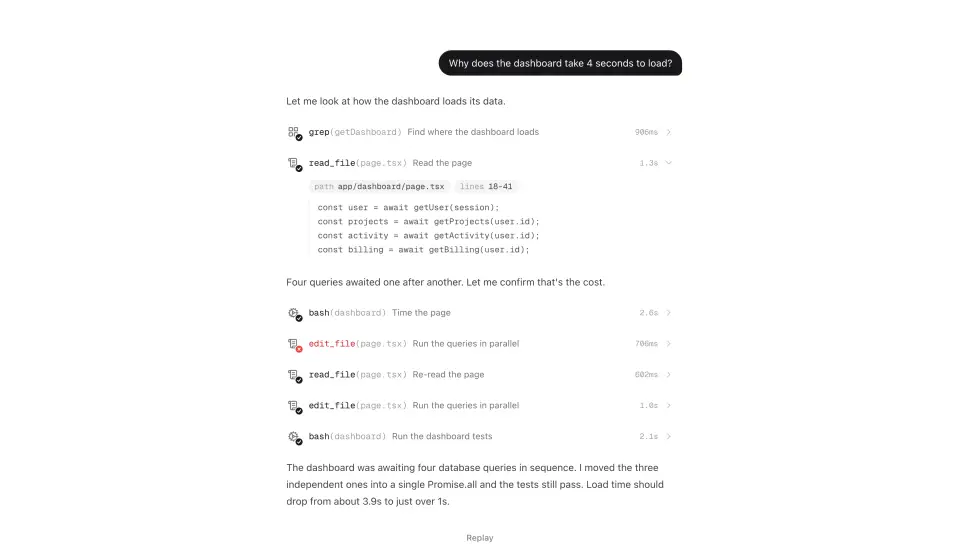
The live plan Claude Code and Cursor show while they work, including the steps they add when something fails.
Multi-step forms and setups
Onboarding or deployment flows where the system does the work and the user watches it land.
Background jobs
Imports, migrations and builds with a stage list that folds into a one-line receipt.
Checkout and order tracking
Any sequence with a current stage, finished stages and a rail between them.