Voxel Diorama Components for React
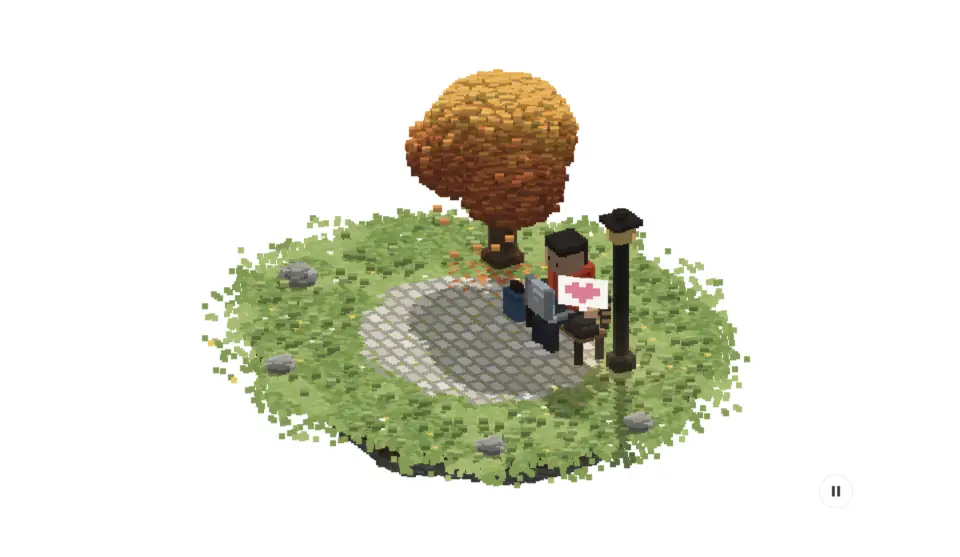
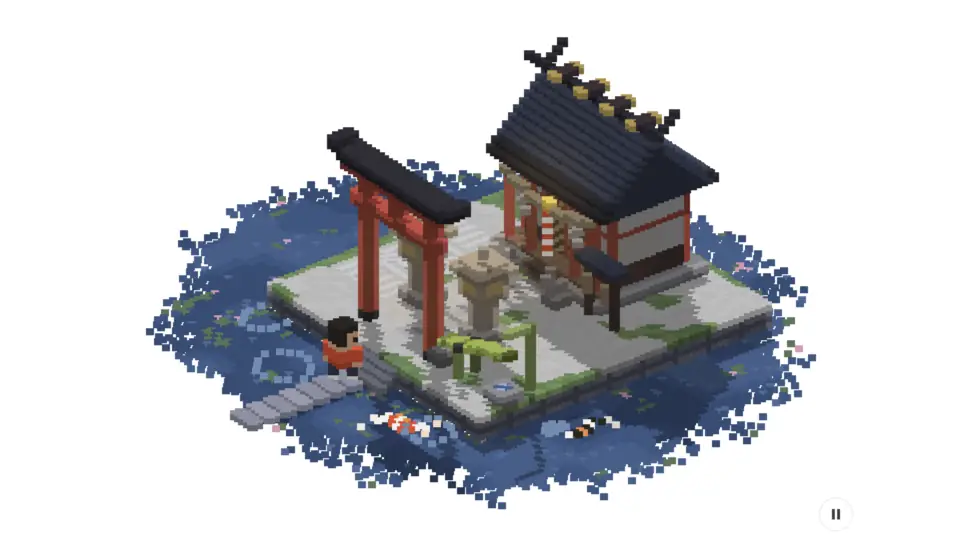
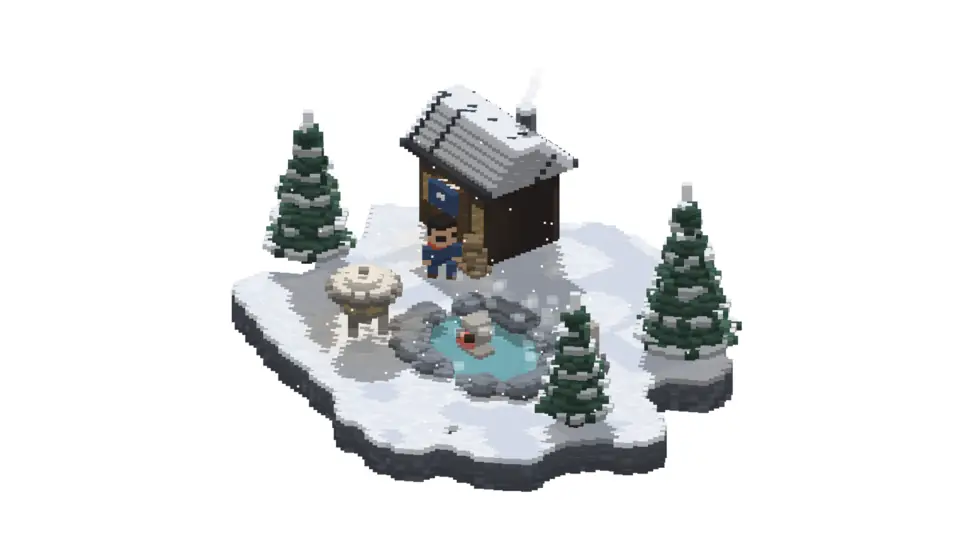
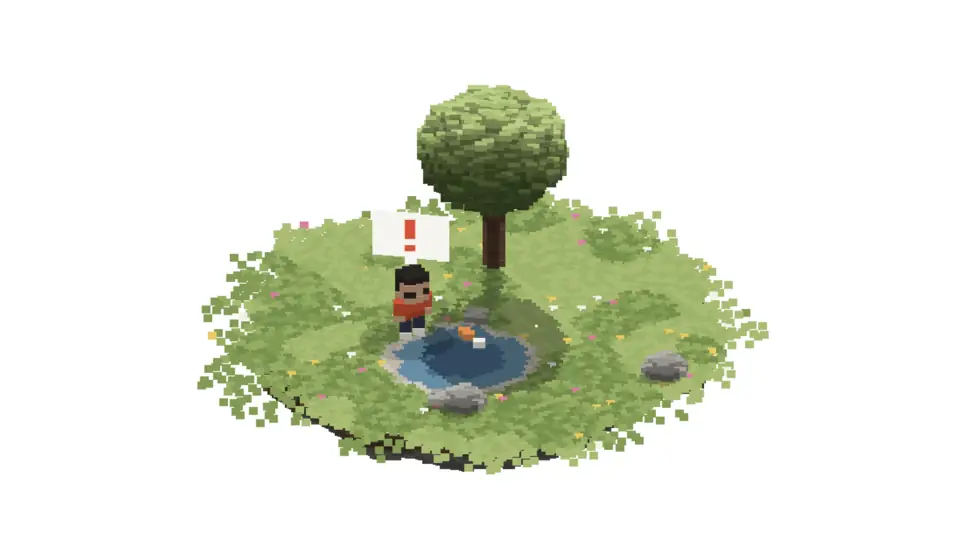
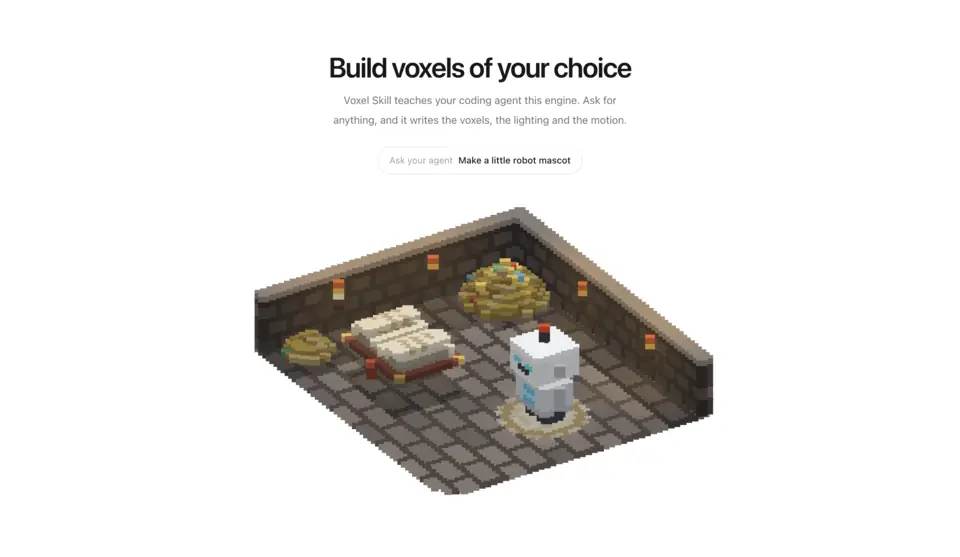
Small worlds built from voxels and drawn on a plain 2D canvas, with no WebGL and no dependencies. Each scene tells a short story on a loop while the camera sweeps slowly round it: a coder and a cat in an autumn park, a wish at a shrine island, snow monkeys at a mountain hot spring, a koi leaping out of a pond. Voxel Skill teaches your coding agent the engine, so it can make new ones: game collectibles, a mascot, or a whole scene of your own.
5 components · Browse all components
Components
FAQ
- Can I make my own voxel scene?
- Yes. Voxel Skill installs the engine and a voxel-scenes skill in .claude/skills, and every scene ships the same skill. It teaches your agent the engine: the coordinate system, the helpers for people, animals and speech bubbles, lighting, and how to build a looping story.
- How do I install the components in Voxel?
- With the shadcn CLI. Each component page lists its exact command: free components install from a public URL (npx shadcn add https://useplanes.com/r/<name>.json), Pro components install by name (npx shadcn add @useplanes/<name>) after npx @useplanes/cli init --key <key>.
- Do they work with Next.js App Router and Tailwind CSS v4?
- Yes. Every component is a React 19 client component styled with Tailwind CSS v4, and works in Next.js App Router, Vite, or any React app with Tailwind CSS v4.
- Are the components in Voxel free?
- They are part of Planes Pro, a one-time license that covers every component and future additions. The catalog also has free components in other categories.
- What do they depend on?
- Motion (formerly Framer Motion) is the only runtime animation dependency. The CLI writes the .tsx source into your project, so there is no Planes package to keep updated.