Call to Action Sections for React
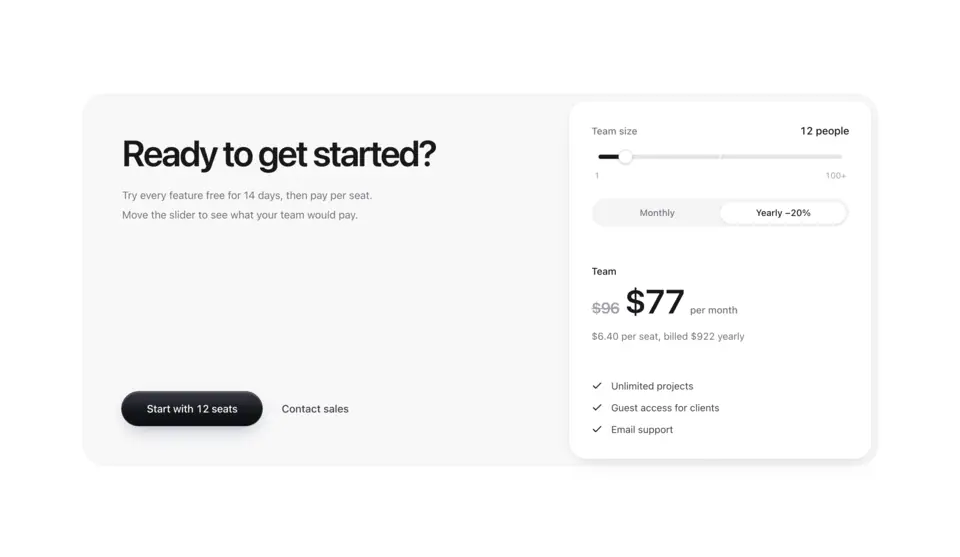
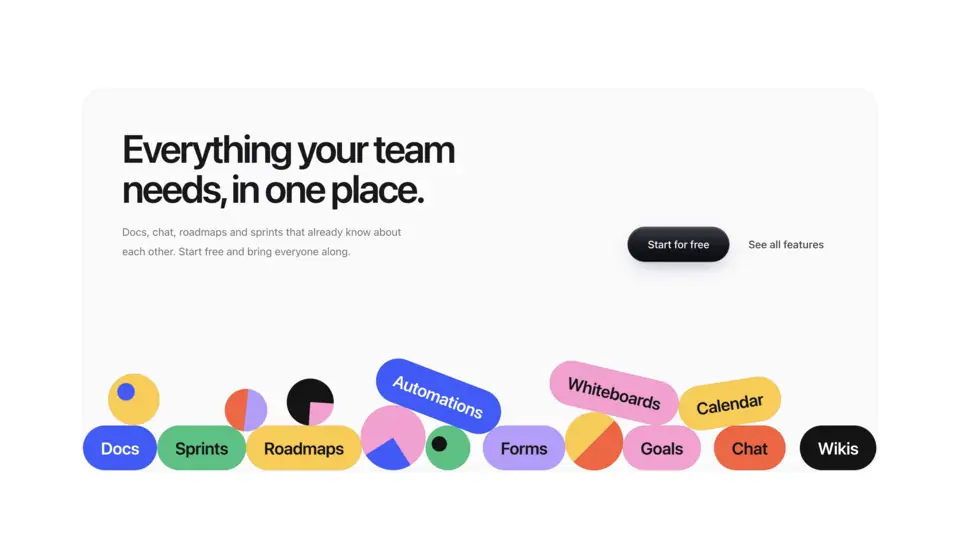
Closing sections for landing and product pages. CTA 1 sets the ask on a dither shader, CTA 2 puts a tilted photo wall beside it, CTA 3 is a footer that opens with the call to action, CTA 4 pairs the ask with a live price estimate, CTA 5 sets it beside a grid of colour tiles whose shapes turn under the pointer, and CTA 6 drops a pile of tags into the card that you can grab and throw.
6 components · Browse all components
Components




FAQ
- Which CTA should close my landing page?
- Match it to the next step you want. Use a shader, colour-grid or physics CTA when people can start on their own, the price-estimate CTA when cost is the last question and bigger teams need sales, and the CTA footer when the ask should sit with your links.
- How do I install the components in CTA?
- With the shadcn CLI. Each component page lists its exact command: free components install from a public URL (npx shadcn add https://useplanes.com/r/<name>.json), Pro components install by name (npx shadcn add @useplanes/<name>) after npx @useplanes/cli init --key <key>.
- Do they work with Next.js App Router and Tailwind CSS v4?
- Yes. Every component is a React 19 client component styled with Tailwind CSS v4, and works in Next.js App Router, Vite, or any React app with Tailwind CSS v4.
- Are the components in CTA free?
- They are part of Planes Pro, a one-time license that covers every component and future additions. The catalog also has free components in other categories.
- What do they depend on?
- Motion (formerly Framer Motion) is the only runtime animation dependency. The CLI writes the .tsx source into your project, so there is no Planes package to keep updated.